Learn languages through
the games you love
Playto is a desktop app that reads on-screen text from any PC game with local AI, shows the meaning instantly, and turns gameplay into language immersion. The words you meet collect in a word book — review and quizzes turn them into lasting vocabulary.
It reads the whole game — not just the subtitles
Cursor-follow — hover any menu, tooltip, item or quest text and it reads what's there
Fixed regions — pin a spot and Playto re-reads it the moment the text changes, hands-free
Works on any PC game — Steam or not, with nothing to install into the game
It never interrupts the game — and every word you read can be saved for review, so the game turns into vocabulary you keep.
Reading a game becomes a learning loop
Immersion that sticks: Play → Capture → Save → Review → back to play. Each pass leaves more of the game's vocabulary in your hands.
Play
Run the game like normal. Playto stays out of the way.
Capture
Lines you don't understand land in the Log — original and translation, side by side.
Save
Words and sentences worth keeping go into your study lists.
Review
A few minutes a day in Practice or Session Review locks it in.
↻ ...and back to the game
Everything you need to learn while you play
From text reading (OCR · Text+ · Image Recognition) to 8 quiz modes and AI-powered tools, Playto turns your gaming time into study time.
Playto supports 12 languages — how fully each feature works can vary by language, and we're expanding coverage. See supported languages →
Reading
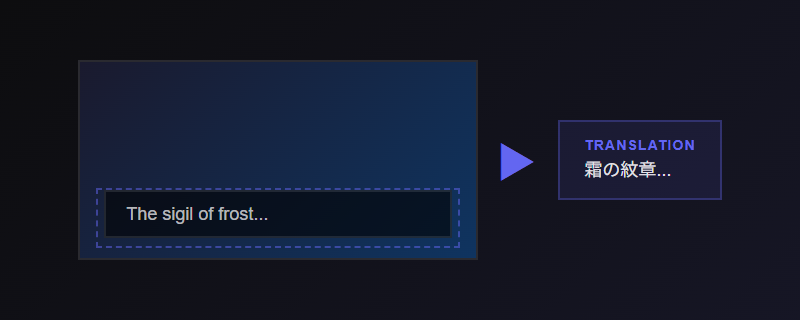
Text Reading
Instantly read any text on screen. Draw a region or let it auto-detect. No game modification needed.
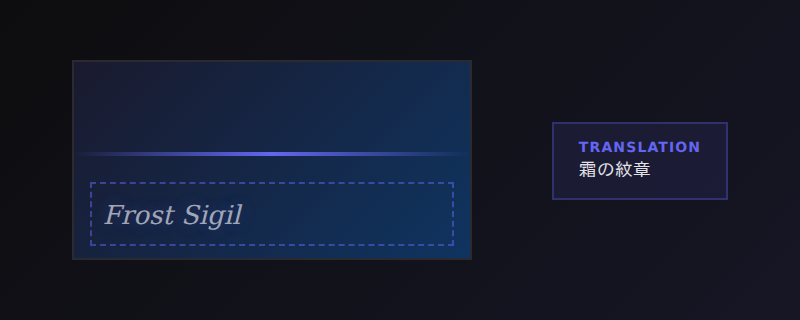
Text+
OCR with an AI vision pass on top. Catches the stylized fonts and busy screens that plain OCR misses, without the full cost of image recognition.
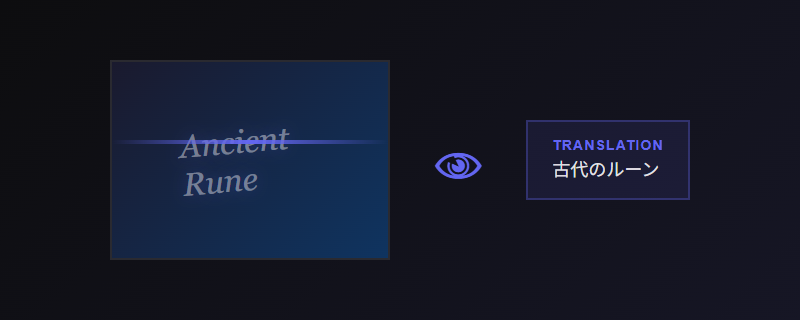
Image Recognition
An optional mode that reads the screen as an image with a vision model. Strong on decorative fonts and unusual UI — heavier than OCR, best when Text+ isn't enough.
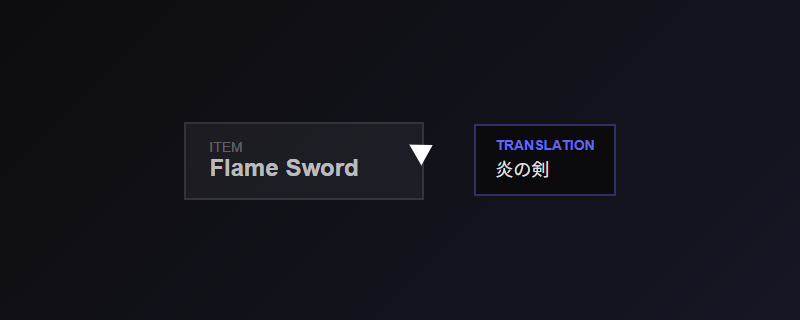
Cursor Reading
Hover over any text to understand. Follows your cursor in real-time.
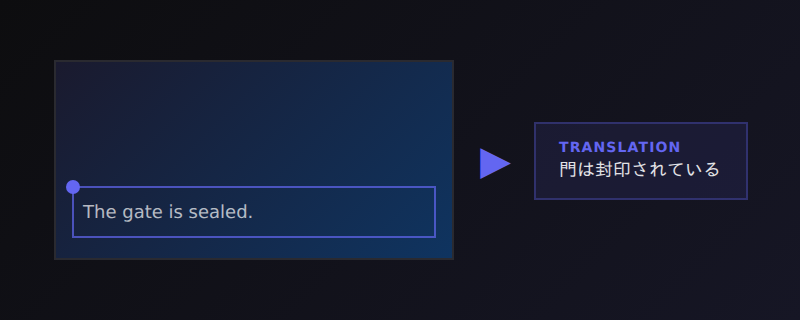
Fixed Region
Pin a region — a dialogue band, a status bar — and Playto re-reads it automatically the moment the text changes, hands-free as you play.
Overlay
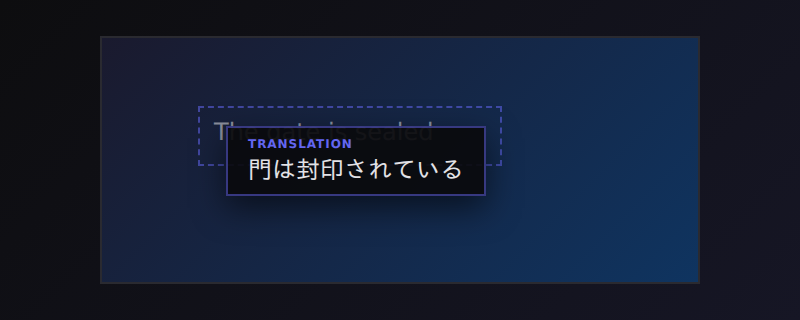
Overlay Placement
Show the translation along the bottom of the screen, or floating right next to the original text — wherever keeps your eyes on the game.
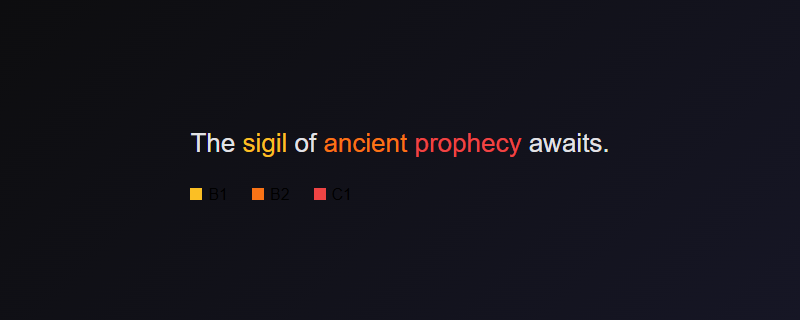
CEFR Word Highlighting
Harder words in the overlay are color-coded by CEFR difficulty, so advanced vocabulary stands out at a glance.
Learning
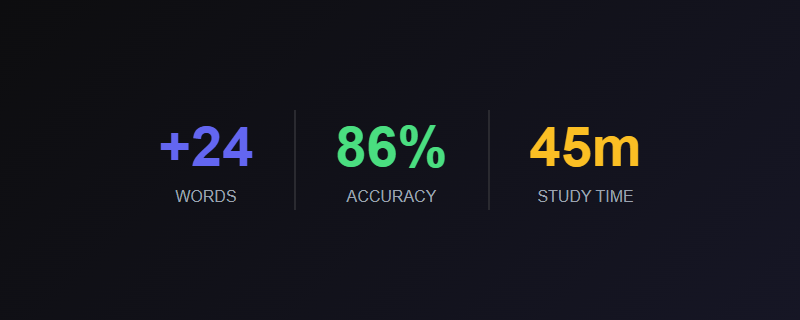
Session Review
After each session, Playto shows new words you encountered. Select the ones worth learning, blacklist proper nouns — no manual typing needed.
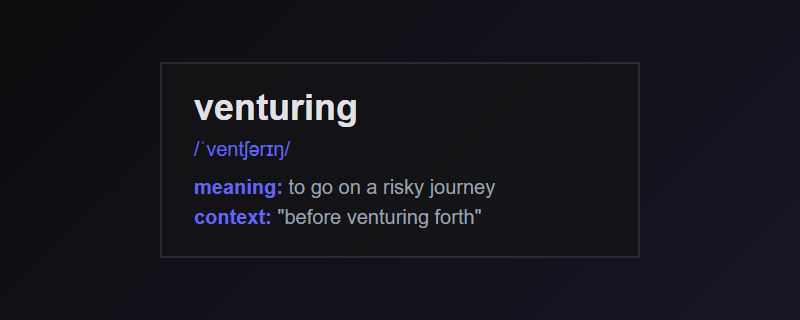
Smart Dictionary
Tap any word for context-aware definitions. Game terminology explained.
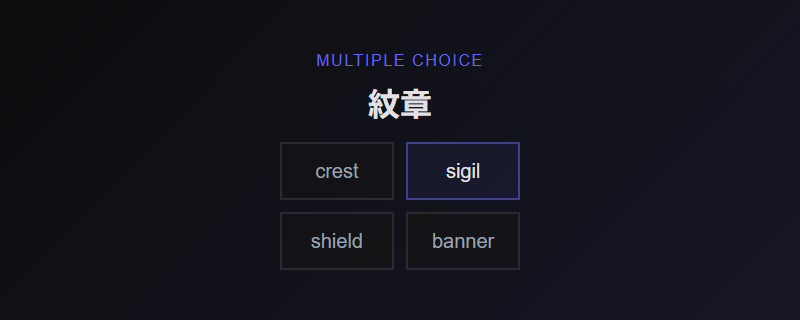
8 Quiz Modes
Flashcard, Multiple Choice, Fill Blank, Dictation, Meaning Match, Sentence Reorder, Context Quiz, and Pronunciation. Built from words you encounter in-game with SRS scheduling.
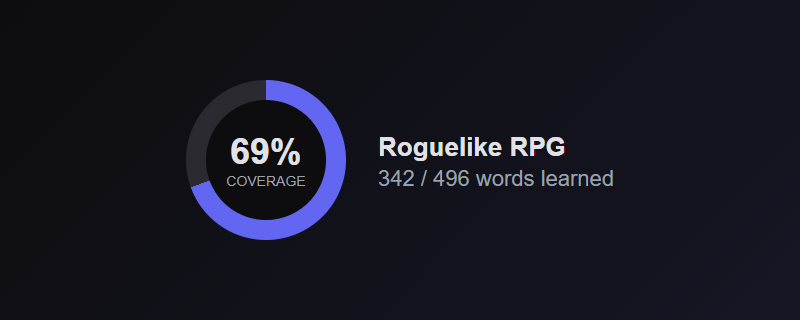
Vocabulary Coverage
Track what percentage of each game's vocabulary you've learned. See your comprehension grow over time.
Text-to-Speech
Hear pronunciations in the target language. Learn how words actually sound.
See supported languages →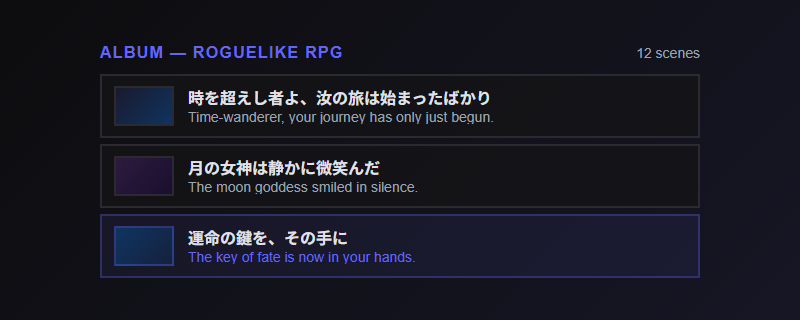
Album
BetaSave scenes from your sessions as image + original text + translation. Your personal archive of playthroughs you can revisit and edit later.
Tools
Game Glossary
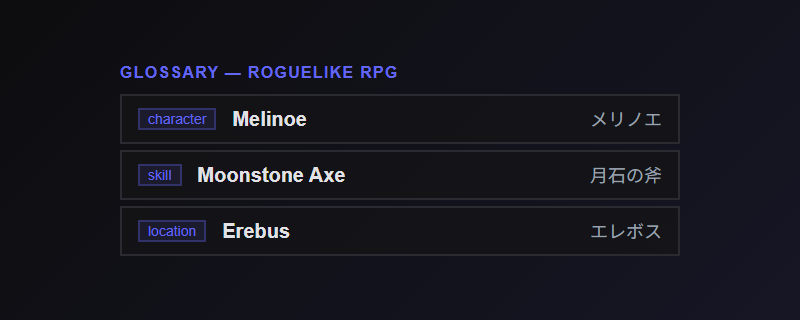
Build a per-game dictionary of character names, items, and skills. Glossary terms are automatically applied to readings for consistent quality.
Game Packs
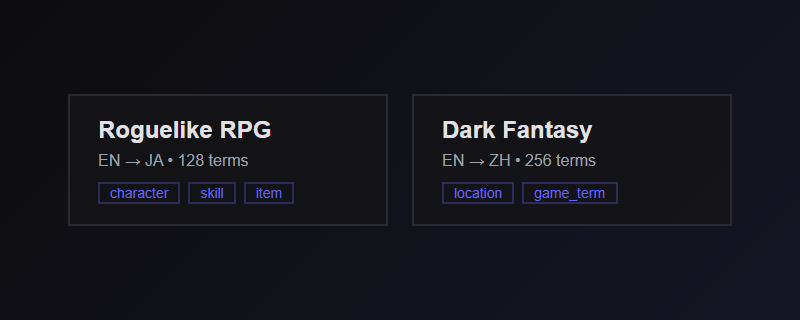
Per-game profiles with custom glossaries, capture settings, and reading prompts. Share packs with other learners playing the same game.
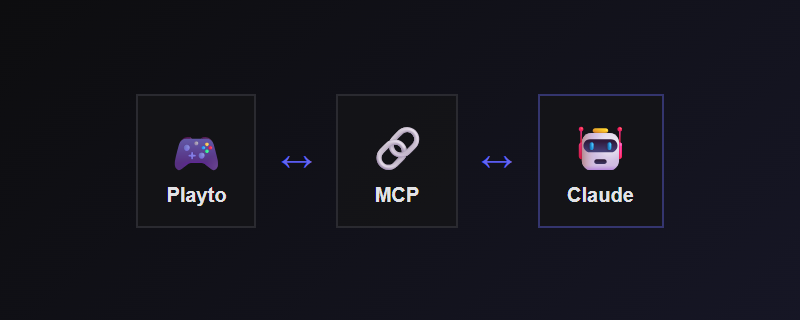
AI Assistant (MCP)
Connect Claude to your learning data via MCP. Search your vocabulary, analyze progress, build glossaries, and get personalized study advice.
Powered by Local AI
Use our recommended models, optimized for game reading. Download with one click, run entirely on your PC. Your game screen and translation content stay on your device — nothing is sent to external servers.
No account. No subscription. No limits.
What early players say
It saves the words and sentences you translate so you can study them — flashcards, and clicking a word pulls up a dictionary with example sentences. Because it's built on a game I love, it stays in my head; you keep seeing the frequent words, so the learning effect multiplies. We've reached an era where I can proudly say I'm studying while gaming.
I've always wanted to learn Russian through games because textbooks are too painful. I used to screenshot Genshin storylines, run a free OCR tool (5 screenshots an hour), then type the words into Excel by hand. Playto just lets me skip all those steps — it's already done by the time the game ends.
Amazing use of AI in an area that abuses it. It takes some time to get to know, but it's worth it — and it works perfectly for games from itch.io too!
Lite vs Standard
Start free. Upgrade when you want the full experience.
Works across any language pair
Powered by local AI. No internet connection required.
Common questions
See all FAQ →What is Playto?
Playto is a language-learning tool for PC gamers — not a translator. As you play, it reads the on-screen text with local AI, shows what it means, and saves the words you meet to a personal word book. You review them later with built-in quizzes and spaced repetition, so the more you play, the more your vocabulary grows.
Can you really learn a language just by playing games?
That's the idea behind immersion learning — you pick up a language by understanding real input you care about, not by drilling grammar tables. Playto makes each line comprehensible the moment you meet it, then saves the words so you can lock them in with quizzes and spaced repetition. Playing is the immersion; the review is what makes it stick.
Which games work with Playto?
Any PC game client that displays text. Playto reads your screen and runs as an overlay — no modding, no plugins, no per-game setup. Text-heavy genres work best (JRPGs, visual novels, strategy, simulation). Fast-action games work too; you'll just have fewer words to save per session.
Is it free? How much does it cost?
There's a free edition (Lite) with the core translation workflow, and a one-time paid edition (Standard) that adds cursor-follow capture, all AI engine tiers, all quiz modes, and higher word-book limits. No subscription. See the Steam page for current pricing.
Does it work offline? What does it send over the internet?
Translation runs entirely on your PC — no internet needed while playing. OCR, translation, and all your learning data stay on your machine. Playto doesn't collect your word book, quiz history, or screenshots, and doesn't require an account.
Do I need an NVIDIA GPU?
Local AI works best with an NVIDIA (CUDA) GPU but also supports AMD and Intel GPUs via Vulkan. A CPU-only mode is available but slower. Try the free demo first to confirm it runs well on your hardware before buying.
How is Playto different from a translator like Language Reactor or Textractor?
Those are translation tools — Language Reactor works on video and streaming subtitles, Textractor hooks visual-novel text. Playto is a learning tool for any game client: it reads on-screen text, shows the meaning, and turns the words you meet into a vocabulary you review over time. For a quick translation those tools are fine; for building vocabulary from the games you play, that's what Playto is for.
Can it translate browser games or visual novels?
Browser tabs are intentionally excluded so Playto doesn't translate general web pages. Most visual novels also offer a Steam or downloadable version — install the standalone client and Playto recognizes it as a game and works normally.
Ready to learn while you play?
Windows 10/11. No account required.
System Requirements: GPU with 4GB+ VRAM (NVIDIA CUDA / AMD / Intel Vulkan, 6GB+ recommended) • 8GB+ RAM • ~5GB disk for models. Please try the free demo (Playto Demo) to confirm compatibility before purchase.